A complete course.
One click. Your control.
Free Hobby plan. No credit card required.
Not just lesson text. Generate the curriculum, minute-by-minute plans, teacher scripts, student guides, homework, tests, illustrations and presentations—all in one connected teaching workspace.
Try the course-building workflow before choosing a paid plan. Set your brief, approve the plan, then generate and customize your teaching materials.
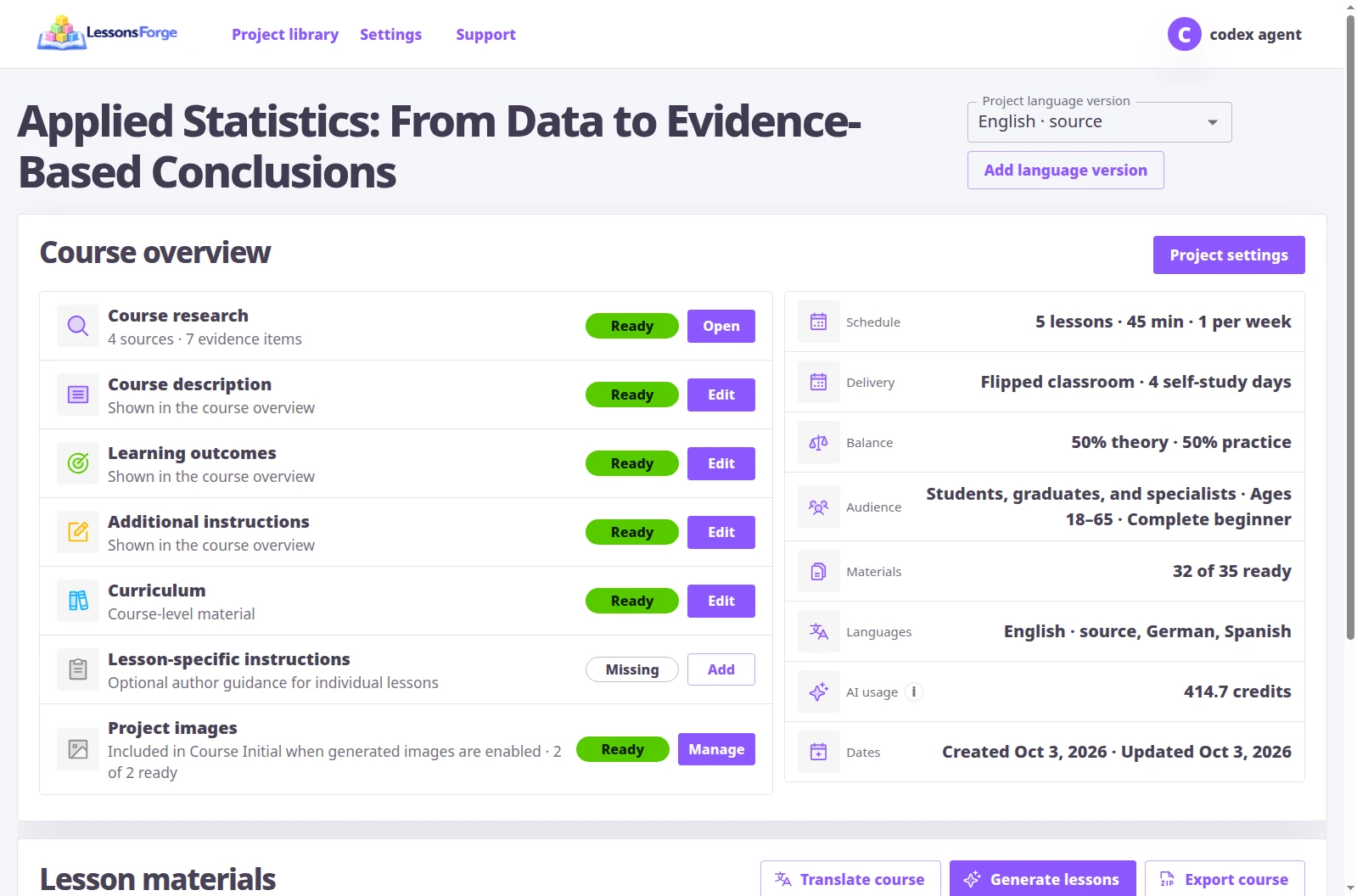
A curriculum. Every lesson. Every teaching resource.
One connected course—not a folder of unrelated AI texts. The course structure guides the resources for both the teacher and the student.
The course foundation
A learning sequence before a single lesson is written.
- Course curriculum and learning outcomes
- Connected lesson topics and progression
- Teaching approach, audience and schedule
The teacher’s complete kit
Know what to teach, how to teach it and what to prepare.
- Minute-by-minute lesson plans
- Full teacher scripts and classroom activities
- Preparation checklists, resources and supporting files
The student’s complete kit
Explanation, practice and assessment that belong together.
- Illustrated student guides
- Practice activities and homework
- Knowledge tests with answers and explanations
Ready for the classroom
Bring the materials into the tools you already use.
- Presentations and custom teaching illustrations
- PDF documents and PowerPoint presentations
- Self-contained interactive reader and presenter
From your teaching brief to a complete course.
See how your teaching brief becomes a course: planning, whole-course generation, material editing, translation and export—all in one workspace.
Begin with what your learners need.
Define your course topic, learning outcomes and optional instructions in the creation wizard. Start from your teaching intent, not a blank chat.
- Describe the course and its intended outcomes.
- Set language, audience and teaching requirements.
- Give the course planner your own optional instructions.
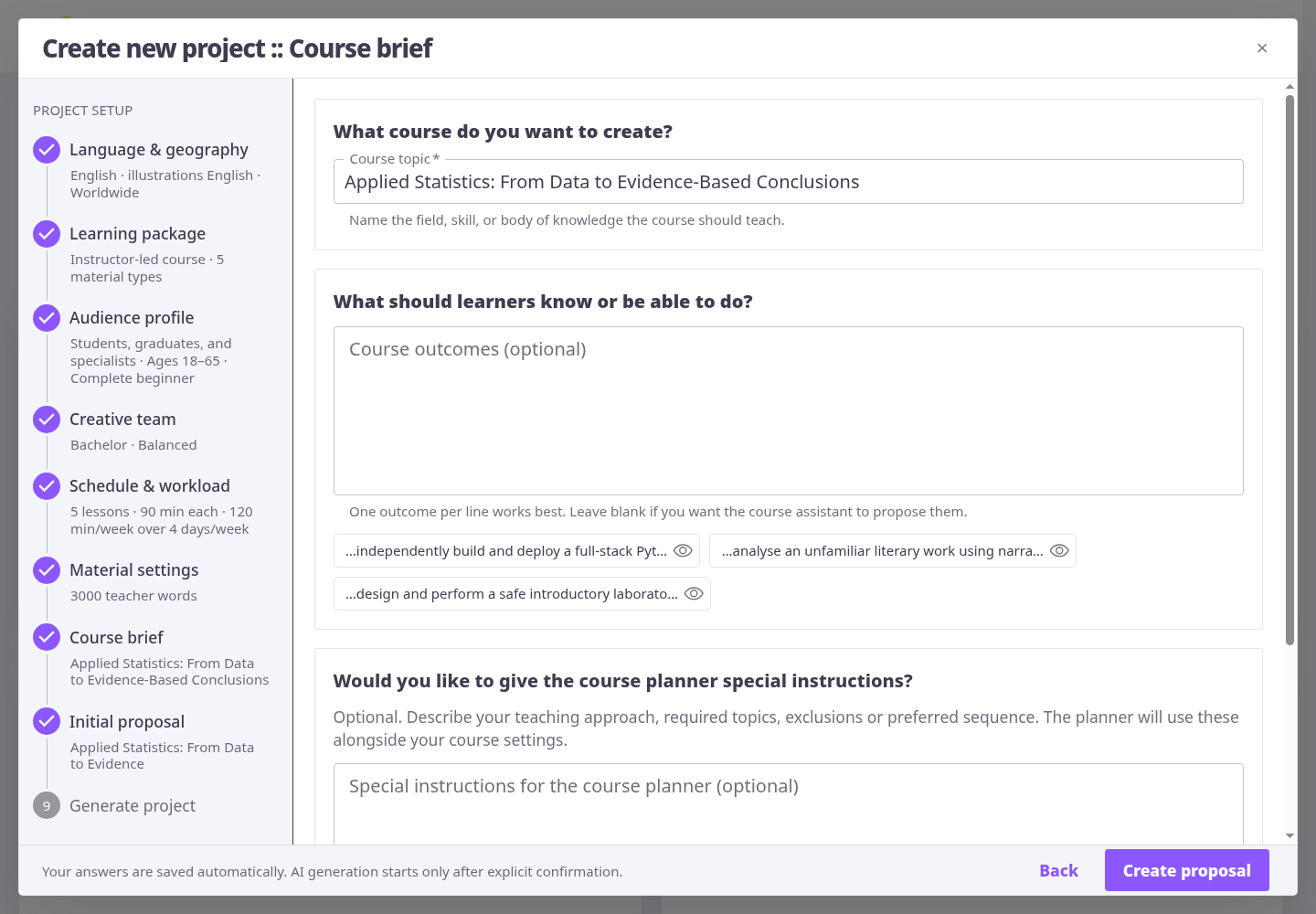
A course-building workflow, not another blank chat.
- Step 1
Set the teaching brief
Choose your audience, goals, language, number of lessons, timing and balance of theory and practice.
- Step 2
Approve the course structure
Inspect the curriculum and lesson sequence. Refine the plan before committing to the teaching package.
- Step 3
Generate the course in one launch
Select the whole course and start generation. Connected teacher and student materials follow your accepted settings.
- Step 4
Review, adapt and teach
Inspect each resource, make focused changes, translate lessons and choose the export formats you need.
AI does the preparation. You make the teaching decisions.
Before generation
Define the level, teaching goals, lesson timings, practice balance, document sizes and illustration language.
At the planning stage
Review the curriculum and lesson plans. Change the learning sequence rather than accepting a generic outline.
Inside each material
Edit directly or ask the interactive assistant for a focused change to a script, student resource or illustration.
At delivery
Choose the lessons, materials and language to share. Keep editable originals in your workspace and export portable teaching resources.
Your course goes with you.
Give students a self-contained course reader and teach with its built-in presenter. Share an interactive HTML package, printable PDF materials or editable PowerPoint slides.
The standalone course reader
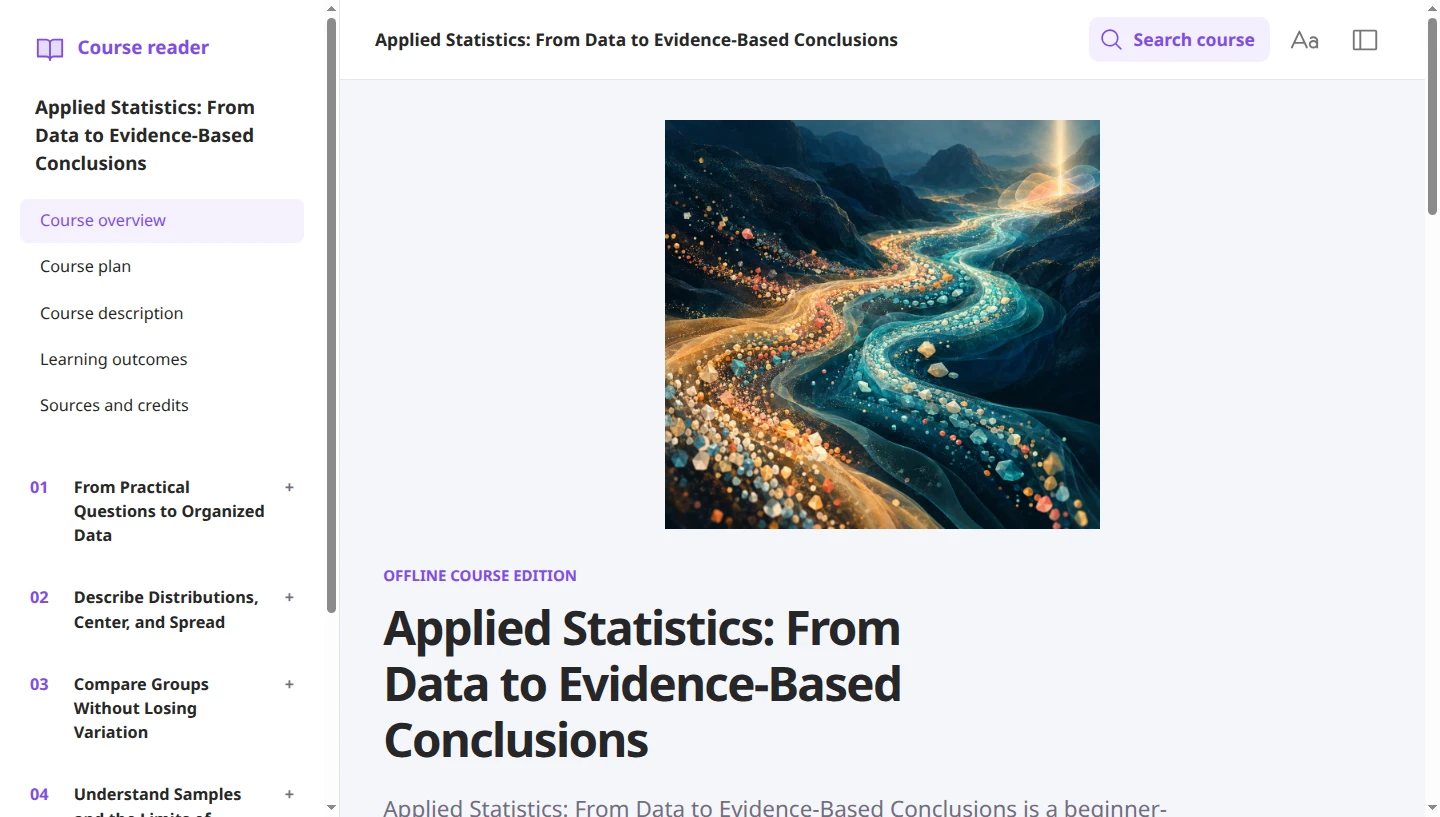
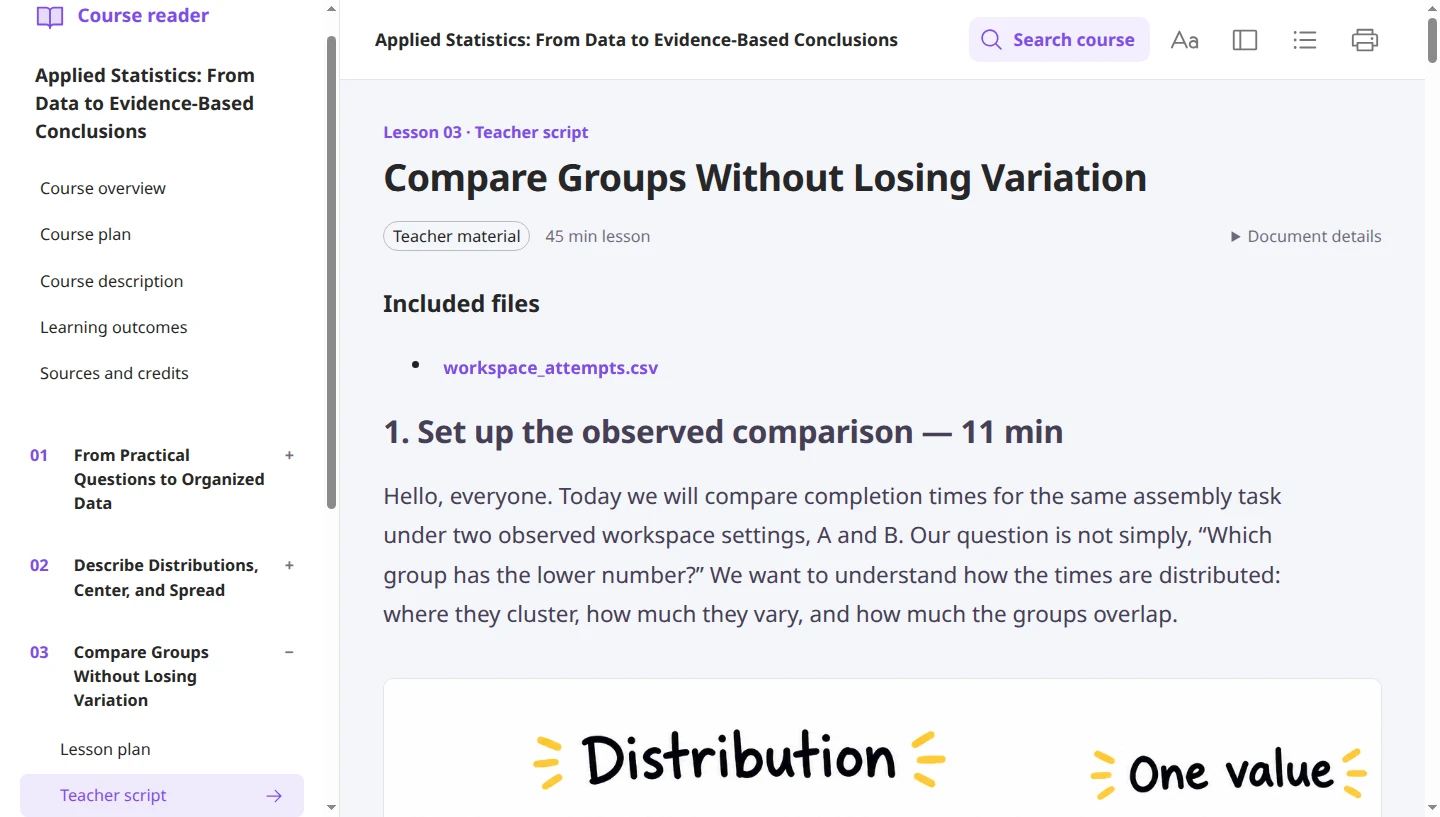
Teacher resources in the exported reader
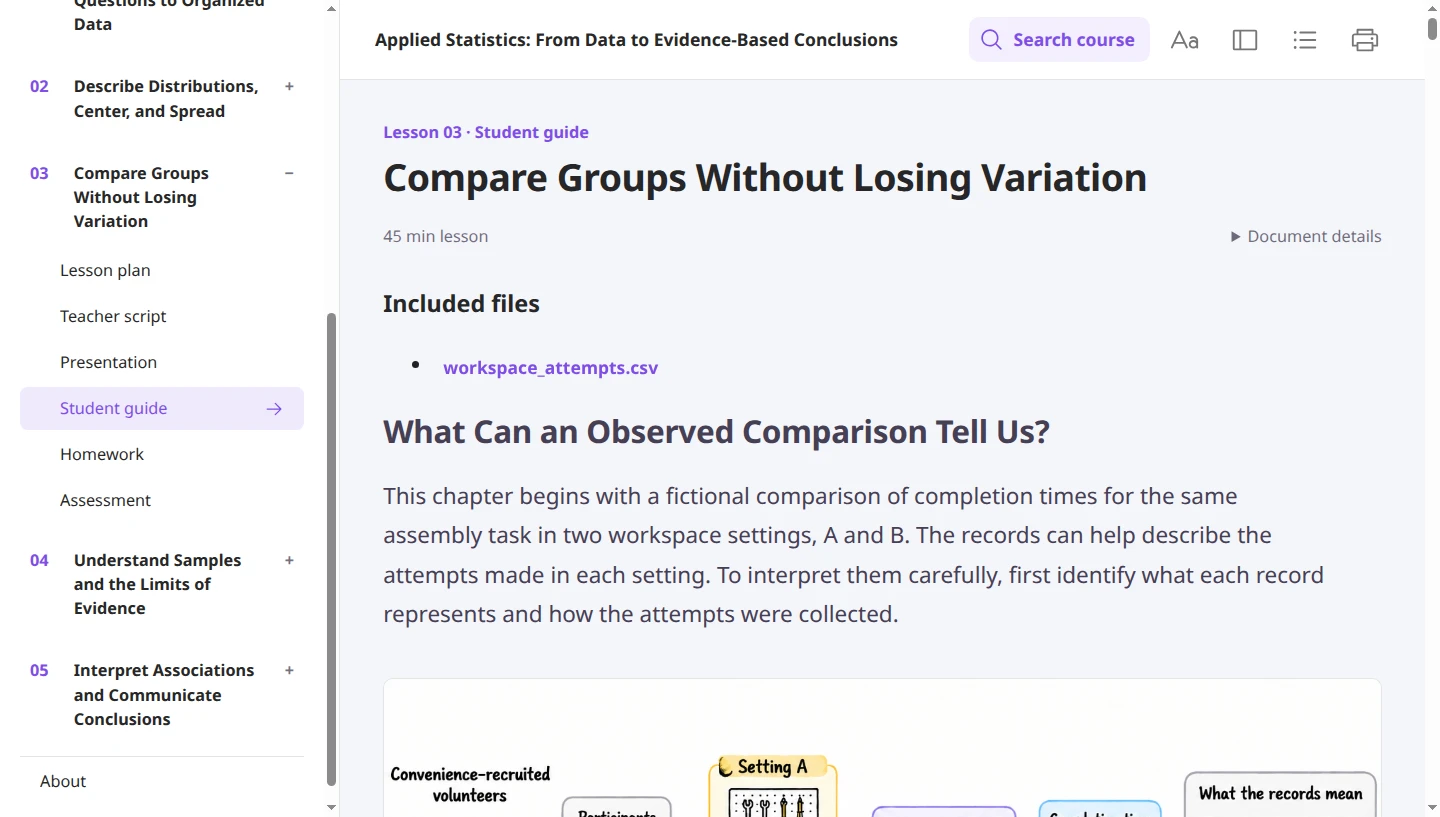
Student resources in the exported reader
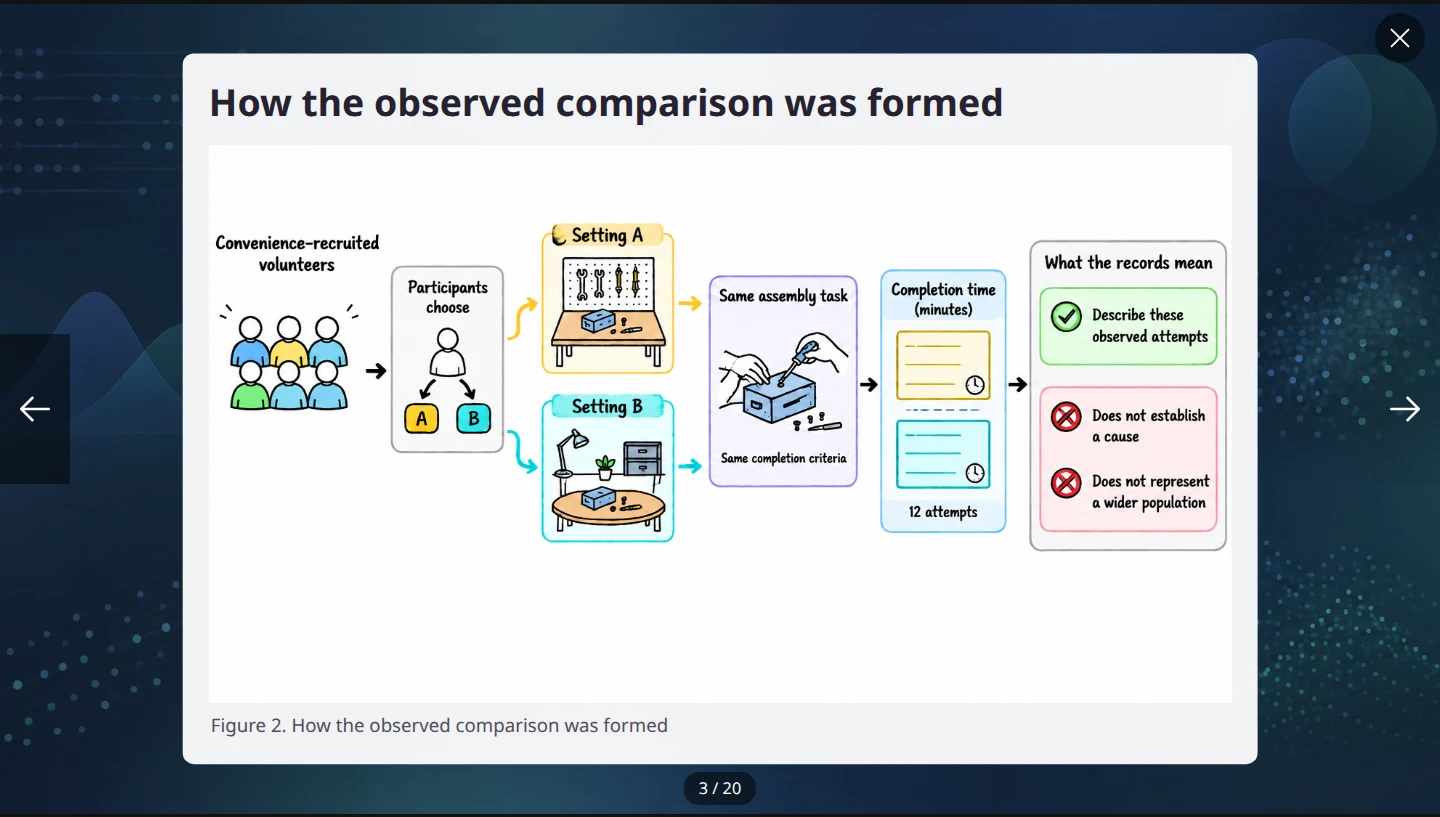
Present straight from the exported course
Built around how educators actually work.
Yes. Sign up with Google and choose the free Hobby plan—no credit card or paid subscription required. Try course planning, material generation and editing before deciding whether to upgrade. Hobby includes generation credits; your available allowance, processing options and plan limits are shown in your account.
LessonsForge starts with the course structure and produces connected resources for teaching, student study, practice and assessment. The workspace keeps the curriculum, timed plans, scripts, illustrations, files and presentations together—not in separate chat threads.
Yes. Set the teaching brief and generation options, review the course and lesson plans, edit individual materials and request focused changes through the interactive assistant. Translation and export also have explicit scope controls.
The self-contained HTML export includes an independent reader and presenter. You can also distribute PDF documents and PowerPoint presentations through your existing learning platform.
You do. Review the generated resources, their reported issues and any changes before classroom use. LessonsForge prepares the teaching package; your professional judgment determines what your students receive.
Your materials. Ready to read, present and share.
Choose the format that fits the classroom, not the other way around.
Self-contained reader and presenter
Open the interactive HTML package in a browser. Read the course materials and present the slides without signing in to LessonsForge. Keep a portable copy alongside your teaching resources.
Familiar classroom formats
Export PDF handouts and PPTX presentations for printing, distributing through your learning platform, or presenting with your existing classroom software.
Powerful models. Half-price text-generation rates.
Keep your chosen models and quality settings. Economy Line waits for available processing capacity, with text-generation rates 50% lower than Priority Line. Prepare ahead for less, or choose Priority Line when turnaround matters.
Compared at the same settings. Illustrations use regular generation in both lines. Total credits depend on the materials generated.
Try the teaching workflow before you upgrade.
Create your Google account and choose the free Hobby plan. No credit card required.
Explore course planning, generate teaching materials and customize them in the workspace.
Free generation uses credits. Your account shows the current allowance, processing options and plan limits.